Use your own AI model for 5E games
Bring your own Anthropic, OpenAI or Google API key, or connect your own Ollama-compatible endpoint. Supported text generation then runs on it, while dice and character math stay in code.
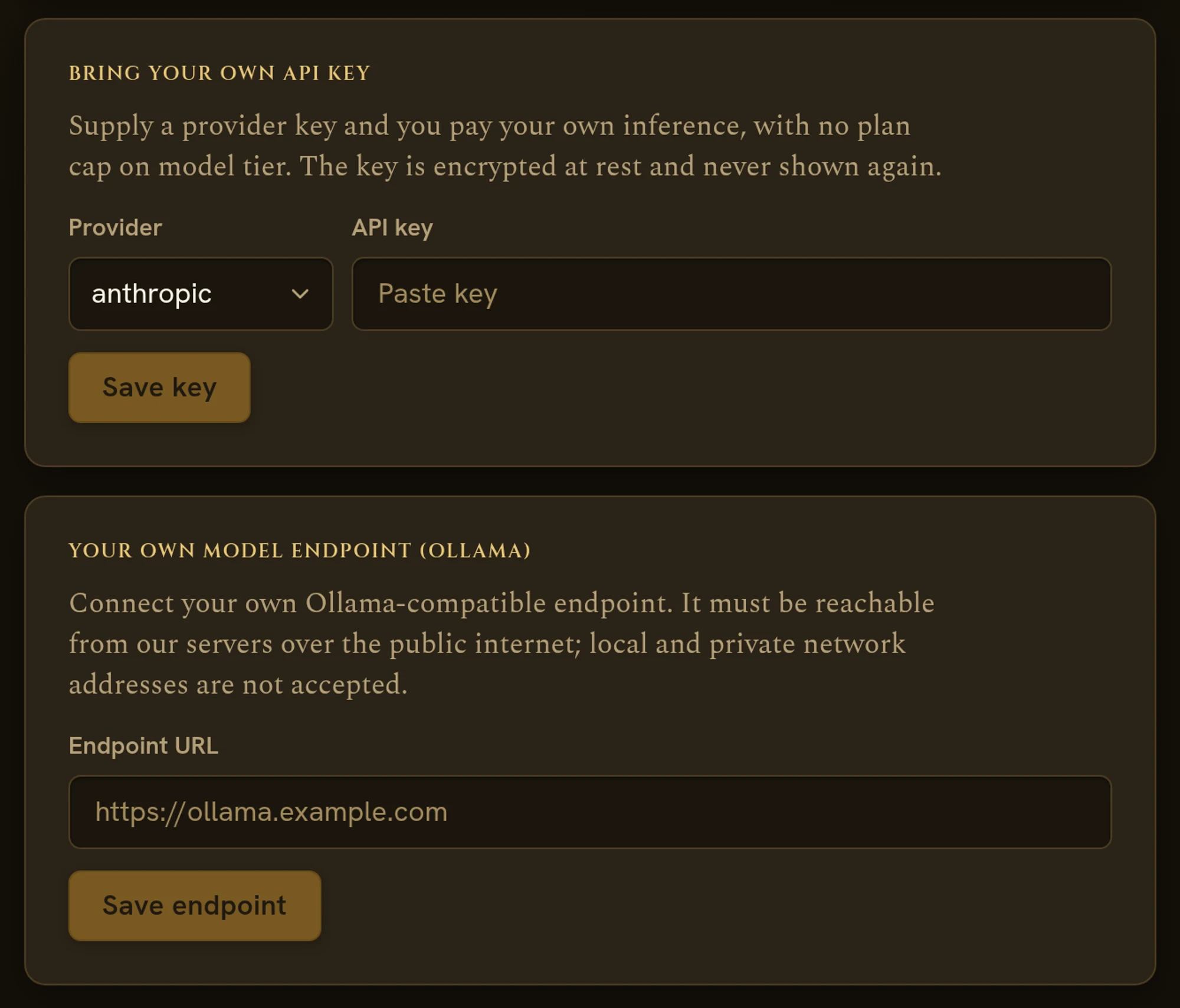
Your provider, the same game
Your own API key
Add an Anthropic, OpenAI or Google key and you pay your own inference, with no plan cap on model tier.
Your own endpoint
Connect an Ollama-compatible endpoint that our servers can reach over the public internet, and supported text generation routes there.
Stored encrypted
Keys are encrypted at rest, used only to make model calls for you, and only shown as “key set” once saved.
The rules stay in code
Whichever model tells the story, dice, damage and character math run in the engine and are validated before anything is applied.
Three steps to the table
Create your free table
Make an account in a minute. No card required.
Add your key or endpoint
Open Account, then Billing, and save a provider key or your endpoint URL.
Play as usual
Start a campaign or a one-shot; supported text generation runs on your provider.
Before you sit down
Which features use my key?
Supported text generation runs on your key or endpoint. Some features, such as image generation, still use the platform's providers.
Can I run the model on my own computer?
Only if our servers can reach it over the public internet. Local and private network addresses, such as localhost, are not accepted.
How is my key stored?
Keys are stored encrypted and used only to make model calls for you. You can remove a key or an endpoint at any time in your account settings.
Find the table that fits
Bring your own model to the table.
Create your free table, then add your key or endpoint in account settings.